Understanding the Concept of a VPN Router
Definition of VPN Routers
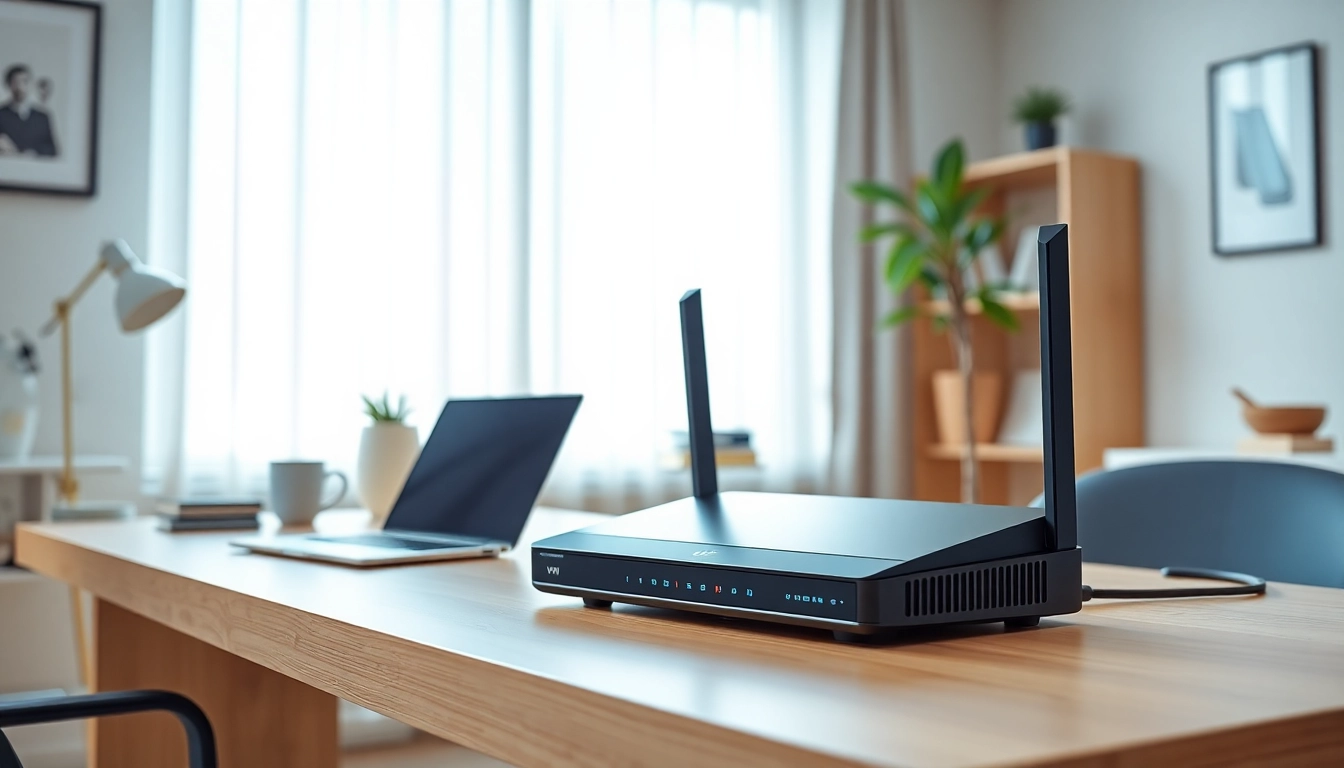
A VPN router is a specialized router that integrates Virtual Private Network (VPN) technology directly into its hardware or firmware. Unlike regular routers that simply route internet traffic to devices in your home or office, a VPN router encrypts data before it even reaches your devices. This added layer of security ensures that your online activities remain private and secure from potential threats.
How VPN Routers Work
VPN routers work by connecting to a VPN service, creating a secure tunnel between the router and the internet. When you send data from your device, it first goes through the VPN router, which encrypts it and sends it to the VPN server. The server then decrypts the information and sends it to its final destination. This process masks your IP address and location, ensuring anonymity. Furthermore, all devices connected to the VPN router benefit from the same level of protection, making it an excellent solution for households or offices with multiple devices.
Benefits of Using a VPN Router
Utilizing a VPN router brings numerous advantages:
- Unified Security: All devices connected to the network are automatically secured with a VPN, simplifying protection efforts.
- Better Privacy: Your entire internet traffic is encrypted, preventing ISPs and potential hackers from snooping on your online activities.
- Geo-Restriction Bypass: VPNs can help access content restricted to specific geographic regions by masking your actual location.
- Device Compatibility: Older or non-VPN compatible devices can still benefit from VPN protection when connected to a VPN router.
- Ease of Management: Managing one VPN connection at the router level is more straightforward than configuring a VPN on each device.
Key Features to Consider in a VPN Router
Speed and Performance
When choosing a VPN router, speed and performance are critical considerations. Encryption processes may slow down internet speeds, but quality VPN routers are designed to reduce this impact. Look for routers equipped with the latest Wi-Fi technologies such as Wi-Fi 6, capable CPUs, and ample RAM to ensure high-speed connections even with VPN encryption.
Security Features
A good VPN router should come with robust security features. Look for routers that support various encryption methods (like AES-256), firewall capabilities, and advanced protocols such as OpenVPN or WireGuard, which strengthen security while maintaining efficient performance. Additionally, features like DNS leak protection, kill switches, and multi-factor authentication can enhance your security posture further.
Compatibility with VPN Services
Not all routers are compatible with every VPN service. It's essential to choose a router that supports your preferred VPN provider. Research compatibility lists and check if the router firmware can be easily updated or customized to work with various VPN services. A good practice is to opt for routers known specifically for VPN compatibility to avoid compatibility issues down the line.
Major Considerations Before Purchasing a VPN Router
Assessing Your Internet Needs
Understanding your internet usage can inform your choice of a VPN router. If you plan to stream high-definition content, play online games, or support multiple connected devices, select a router designed for high performance. Evaluating your current internet plan's speed can also guide you in choosing a router that can meet or exceed these requirements.
Understanding Router Specifications
Specifications for routers can include various metrics such as bandwidth, Wi-Fi standards, and coverage range. Look for routers that provide dual-band or tri-band capabilities to balance load and support multiple devices effectively. Pay attention to the number of Ethernet ports available if you have devices that require wired connections.
Budget and Cost-Effectiveness
VPN routers are available at various price points. However, investing in a quality router often translates into better long-term value. While cheaper routers may save initial costs, they can lack essential features or performance, leading to potential issues later. Assess your budget and balance it with the necessary features to find an effective solution.
Setting Up Your VPN Router
Step-by-Step Installation Guide
Setting up a VPN router can be straightforward if you follow these general steps:
- Connect your router to your internet source using an Ethernet cable.
- Access the router's configuration page from a web browser using its IP address.
- Log in with the admin credentials (usually found on the router or in its manual).
- Find the VPN settings section and enter your VPN service details.
- Apply the settings and restart the router if necessary.
- Connect your devices to the router and test the connection.
Configuring VPN Settings
Proper configuration is crucial for optimal performance and security. Follow your VPN provider's specific guidelines for configuring the router. Ensure you set up the VPN protocol correctly, enable any required security features, and confirm that all settings are saved correctly.
Troubleshooting Common Issues
If you encounter problems during setup or operation, here are a few troubleshooting tips:
- If the internet connection fails, verify your Ethernet connections and settings.
- Restart the router as sometimes a simple reboot can resolve connectivity issues.
- Check your VPN credentials and settings for potential misconfigurations.
- Update your router firmware to ensure it can handle advanced protocols.
Frequently Asked Questions About VPN Routers
What is the best router for using a VPN?
The best router for using a VPN typically combines strong security features, high-speed performance, and compatibility with a wide range of VPN services, enhancing your overall network security.
Can I use any router with a VPN?
Not all routers are optimized for VPN use. You should seek out routers that explicitly support VPN configuration to ensure compatibility and ease of use.
Is a VPN router better than a regular VPN?
A VPN router secures all devices on the network with a single VPN connection, providing easier management and enhanced security compared to setting up individual VPNs on each device.
How do I maintain my VPN router?
Regular maintenance involves updating router firmware, monitoring connection speeds, and ensuring that VPN settings remain current to maintain optimal performance and security.
Do VPN routers slow down my internet?
Though VPNs can reduce speeds due to encryption processes, a high-quality VPN router mitigates this slowdown, allowing for fast and secure internet connectivity.
For an in-depth look at choosing the
best vpn routersuited for your specific needs, consider various elements such as speed, security, and compatibility. This investment can greatly enhance your online privacy and security experience.