Understanding Invoice Processing Software
What is Invoice Processing Software?
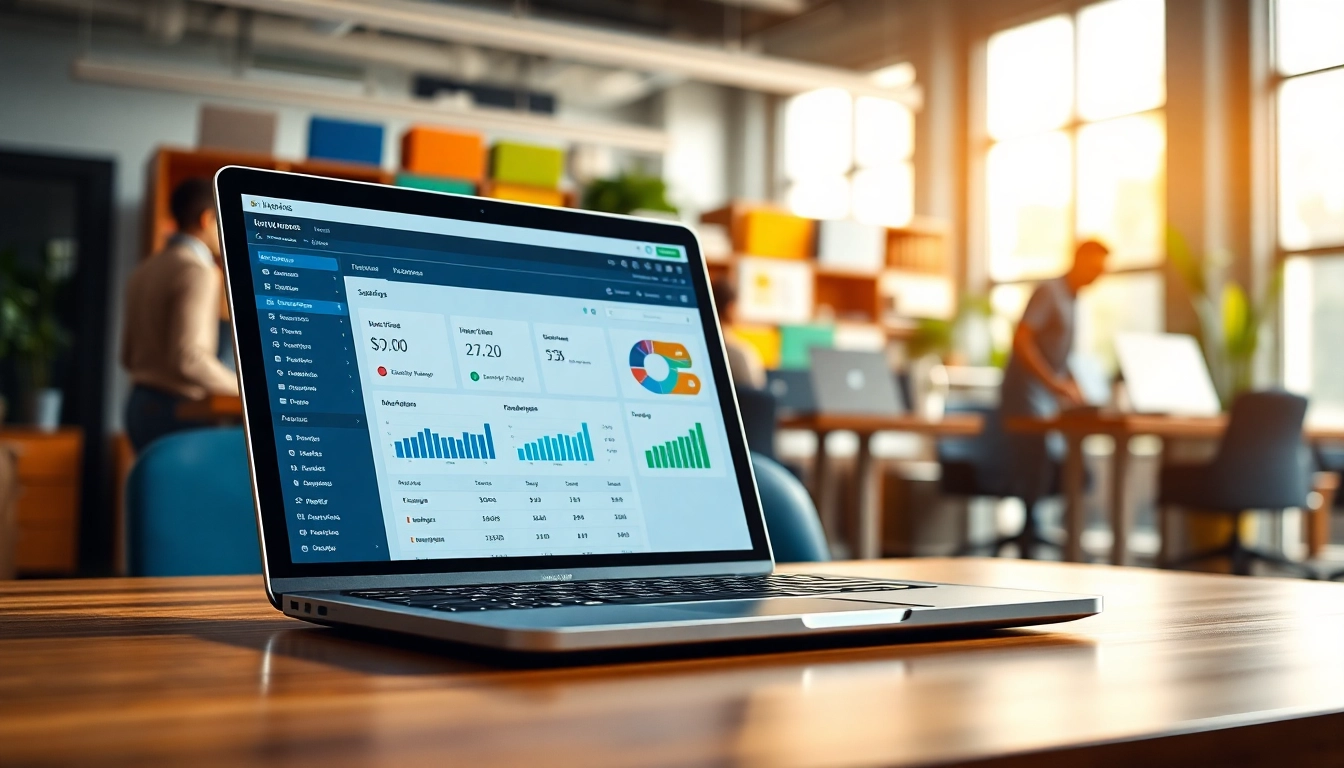
Invoice processing software is a type of technology that automates the entire process of handling invoices, from receipt through to payment. It allows businesses to receive, approve, and manage invoices in a streamlined manner. This software generally integrates with existing accounting systems and can handle tasks such as data capture, approval workflows, and payment schedules. By implementing invoice processing software, organizations can improve their financial accuracy and efficiency, reduce paper clutter, and facilitate timely payments to vendors.
Importance of Invoice Processing
Invoice processing is a crucial aspect of financial management in businesses as it directly impacts cash flow and vendor relationships. Efficient invoice management ensures that payments are made on time, thus avoiding late fees and maintaining favorable terms with suppliers. Moreover, streamlined invoice processing helps in accurate records keeping, which is fundamentally important during audits and financial assessments. Efficient handling of invoices also permits companies to allocate resources more effectively, ensuring that teams are focused on strategic tasks rather than repetitive administrative work.
Key Features to Look For
- Automated Data Capture: Ability to scan and extract data from invoices automatically, eliminating manual entry.
- Custom Approval Workflows: The software should allow customization of workflows for invoice approvals to enhance oversight.
- Supplier Management: Manage supplier information and track payment terms, facilitating better vendor relationships.
- Integration Capabilities: The ability to integrate with ERP and accounting software to ensure a seamless flow of information.
- Reporting and Analytics: Advanced reporting features that provide insights into payment trends, bottlenecks, and overall efficiency.
How Invoice Processing Software Improves Efficiency
Streamlining Workflow
One of the primary advantages of invoice processing software is that it streamlines workflows, transforming how invoices are handled from start to finish. By automating the data capture process, organizations can significantly reduce the time it takes to process invoices, thereby expediting the payment cycle. Moreover, the software enables organizations to route invoices through predetermined approval pathways, ensuring that every invoice is reviewed and approved within set timeframes.
Time-Saving Benefits
The time-saving benefits of invoice processing software cannot be overstated. Companies can reduce administrative workload and free up employees to focus on core business functions. A study has shown that automating invoice processing can cut processing time by up to 80%. This time saving directly correlates with increased productivity and the potential for staff to engage in more valuable work, such as strategic planning or customer relationship management.
Reduction of Human Error
Human error is a considerable risk in manual invoice processing, leading to incorrect payments, missed deadlines, and potential financial losses. Invoice processing software minimizes these risks through automation, employing machine learning algorithms that ensure data accuracy. Features such as character recognition and error detection also reduce the likelihood of mistakes that might occur during manual entry, resulting in fewer disputes and a solid trust foundation with suppliers.
Choosing the Right Invoice Processing Software
Assessing Your Business Needs
Before selecting invoice processing software, businesses should conduct a comprehensive assessment of their unique needs. This includes evaluating the volume of invoices processed, the complexity of the approval workflows, and the preferred integrations with existing systems. A clear understanding of business requirements will aid in selecting software that not only meets current demands but is also scalable for future growth.
Comparative Analysis of Options
The market is flooded with various invoice processing solutions, thus necessitating a comparative analysis. Organizations should evaluate features, pricing structures, customer service options, and users’ reviews. It’s also beneficial to conduct pilot tests of selected software to understand usability and how well it integrates with in-house systems. A thorough comparison can inform decision-makers about what solution delivers the best ROI.
Integration Capabilities
Integration is a pivotal element when selecting invoice processing software. The chosen solution must seamlessly connect with other operational tools such as accounting software, ERP systems, and procurement platforms. Good integration capabilities not only enhance usability but also ensure that all critical functions remain synchronized, thereby enhancing the overall efficiency of the business operations.
Best Practices for Implementing Invoice Processing Software
Training Staff Effectively
Successful implementation of invoice processing software hinges on effective training of the staff. Organizations should facilitate comprehensive training programs that familiarize employees with the functionalities of the software. This might include hands-on training sessions, tutorials, and ongoing support as employees acclimate to the new system. Well-trained staff are more likely to embrace new technologies, leading to more successful implementation.
Regular Software Updates
Keeping the software up-to-date ensures that organizations leverage the latest features, security enhancements, and performance improvements. Regularly scheduled updates and maintenance checks should be part of the implementation strategy to protect organizational data and fortify against vulnerabilities. Software manufacturers often release updates that fix bugs or provide additional functionality; overlooking these can degrade software performance and security.
Continuous Monitoring and Feedback
Implementing monitoring protocols for the invoice processing system allows businesses to identify potential areas for improvement. Gathering user feedback about the software’s performance can highlight both strengths and shortcomings. This feedback loop is crucial for continuous improvement and refining processes, ensuring that the invoice processing software always meets evolving business needs.
Measuring Success with Invoice Processing Software
Key Performance Indicators (KPIs)
Establishing clear KPIs is vital for measuring the success of invoice processing software implementation. Important metrics include the average time taken from invoice receipt to payment, the percentage of invoices correctly processed on the first pass, and the reduction in overall processing costs. These KPIs help organizations gauge the effectiveness of the software and ensure that it aligns with business objectives.
Analyzing ROI and Cost Effectiveness
The return on investment (ROI) is a crucial factor in evaluating the effectiveness of implemented invoice processing software. Organizations should perform a cost-benefit analysis that compares the initial investment against the savings generated from improved efficiency and eliminated manual errors. By extrapolating potential ROI, decision-makers can advocate for the use of invoice processing software as a strategic business imperative.
Gathering User Feedback
User feedback collection is essential for understanding the organizational impact of the software. Regular surveys and one-on-one interviews with staff can reveal both user satisfaction and areas for improvement. Companies should remain open to evolving processes based on user insights, promoting engagement and acceptance of the new technology across departments.
FAQs
What is invoice processing software?
Invoice processing software automates the receipt, approval, and payment of invoices, streamlining the entire process and minimizing manual work.
How does invoice processing software improve business efficiency?
It enhances efficiency by automating repetitive tasks, reducing processing time, and minimizing human errors, which allows staff to focus on more strategic activities.
What features should I look for in invoice processing software?
Look for automated data capture, customizable workflows, reporting capabilities, supplier management, and integration options with existing systems.
How can I measure the success of invoice processing software?
Evaluate performance through key metrics like processing time, error rates, and ROI to ensure it aligns with your business goals.
Is training necessary for staff using invoice processing software?
Yes, proper training ensures staff can utilize the software effectively, leading to higher acceptability and reduced operational issues.